Your work stays yours
Durable conversations remain on your Windows computer, ready when you come back.
 DogParkby LooseBruce
Early access
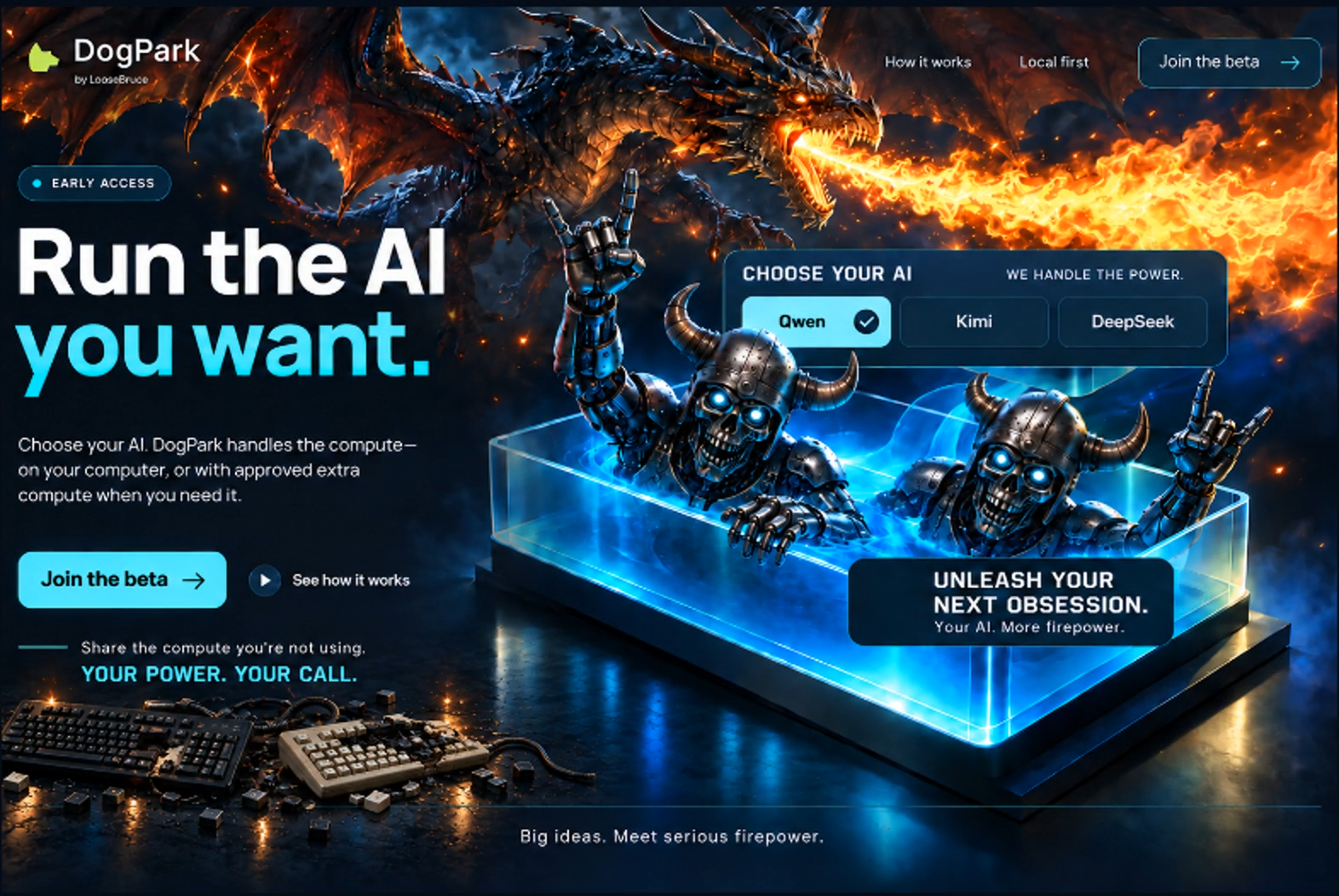
Choose your AI. DogPark handles the compute—on your computer, or with approved extra compute when you need it.
Campaign artwork. Model choices shown are illustrative; availability depends on the approved preview.
Your AI. More room to run.
Durable conversations remain on your Windows computer, ready when you come back.
DogPark can place model work with one eligible worker per job. Remote execution sends bounded inference input to that selected worker.
Open a saved chat and carry on without rebuilding the conversation from scratch.
Local first
Your conversations stay on your PC. Shared compute requires separate qualification and device admission. You choose whether to offer eligible capacity.
Combining multiple GPUs for a single job is later research.
Preview status
DogPark is a private development preview. Public beta enrollment is not open yet.
Already an enrolled tester? The retained v0.6.0 preview remains protected and intended only for its existing enrolled Windows users.
Existing tester accessHistorical private preview, not a new release. Existing preview credentials are required. It uses the earlier ComputeMesh name; account sign-in and compute admission remain separate.